What it does
AI Review is the cajeX AI Co-Worker applied to a governed subject. It comes in two flavors that share one engine: Project AI Review (this chapter) reads a project's artefacts — the documents of a change — while Application AI Review evaluates an application's living documents and accepted decisions (see Applications). Both apply your approved directives and produce a list of findings — issues mapped back to the directives they violate, each with a severity and a confidence score.
The AI never hides its reasoning. Every finding includes the directive it referenced, the snippet of project content that triggered it, and the AI's confidence (0–100%). You decide what to act on; cajeX explains why it flagged it.
How to use it
Running a review
- Open a project that's at least at Submitted state.
- Click Run AI review.
- Choose the scope:
- Linked & applicable — shown (and pre-selected) when the subject has linked directives; for applications this also includes directives of frameworks whose applicability matches the application. The dialog explains exactly where the scope came from.
- Full directive set — applies every approved directive in the workspace.
- Subset — pick the governance areas (security, data, cost, etc.) you want this review focused on. Useful for big projects where you want a security-only pass.
- Pick the model. Claude (Anthropic) is the platform default; OpenAI and Gemini are coming soon. If your workspace admin has configured a Bring-Your-Own-Model API key, your custom model appears here.
- Submit. Reviews are asynchronous — most complete in 30–90 seconds; large projects can take a few minutes.
Reading the results
The result screen shows:
- Compliance score — a rolled-up number from 0–100. Useful for trend tracking; less useful for ship/no-ship decisions.
- Findings list — grouped by severity (critical → low). Each finding shows the directive ref, the relevant project excerpt, and the AI's confidence.
- Suggested fixes — when the AI is confident enough, it proposes wording for the fix. Treat these as starting points, not gospel.
For each finding, you can:
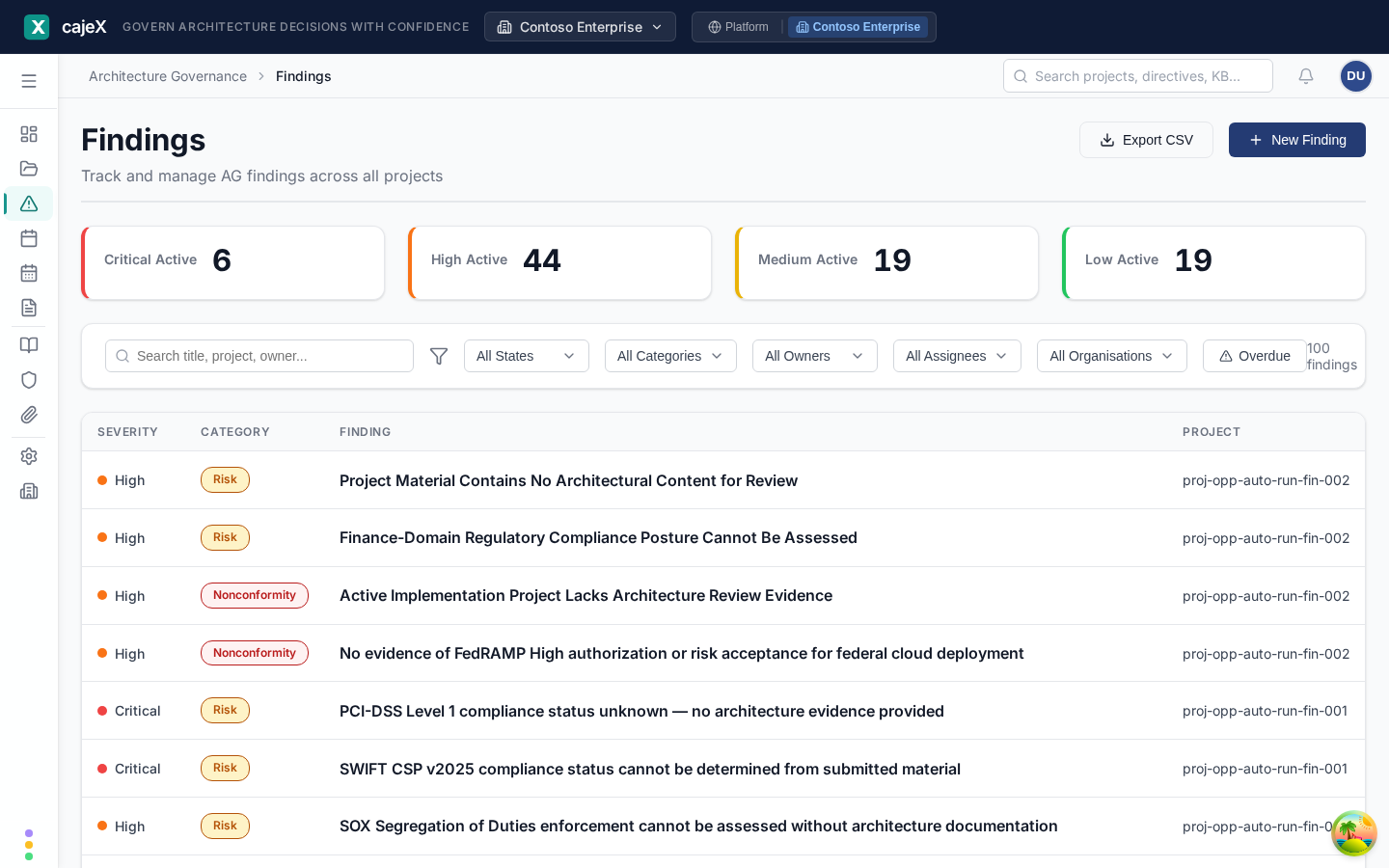
- Accept — converts the AI finding into a tracked finding in the workspace, with you as the owner by default. It now lives in Findings.
- Dismiss — marks it as not-applicable with a reason. The reason is preserved for audit.
- Defer — keeps it on the AI review but doesn't promote it to the tracked finding list yet.
Re-running a review
When the project changes — or when you've updated directives — re-run the review. cajeX keeps every run and shows you a delta: new findings, resolved findings, unchanged findings.
Permissions
- Members and above can run AI reviews on projects they own.
- Reviewers and above can run AI reviews on any project.
- AI usage counts against your workspace's plan quota; the Usage Dashboard in Workspace AI settings shows tokens, cost, and review count by day and model.
Tips
- Run a quick scoped review first (security only, say) before a full review. It's faster and surfaces the issues that block the most.
- Confidence scores below ~60% are often noise; use the filter to focus on high-confidence findings first.
- If the AI keeps missing or misclassifying, the fix is almost always upstream — sharper directives with code patterns produce sharper reviews.